Hungry people decide quickly. They search, glance at a few options and book wherever looks good and makes it easy. Your restaurant website has a few seconds to make them hungry and one tap to make them book. Here's how to build one that does both.
What diners look for first
Most diners want the same four answers, fast:
- What kind of food is it, and what does it cost?
- Does it look good, and what's the atmosphere like?
- Where is it, and is it open now?
- Can I book a table or order?
Answer all four on your home page.
1. Lead with your food and atmosphere
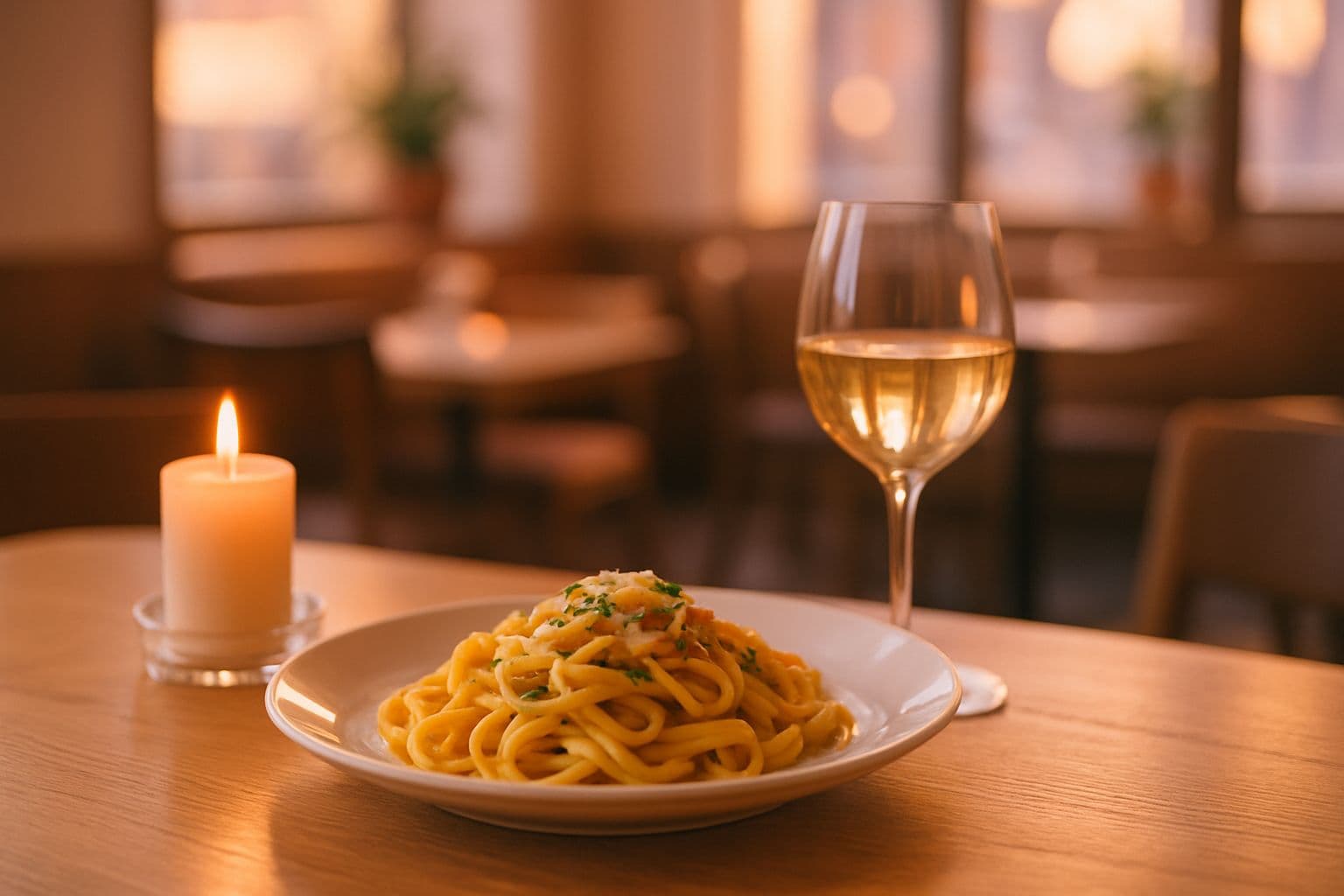
Your first screen should show a mouth-watering image and a clear line about what you serve: "Wood-fired Neapolitan pizza and natural wines". Use photos with consistent lighting and colour so the site feels like one place. Real photos of your dishes and room are best; AI-generated images can fill gaps while you collect them.
2. Put the menu on the page, not in a PDF
PDF menus are slow on phones and invisible to search engines. Show your menu as text, grouped by course, with short appetising descriptions and prices. Keep it updated; an out-of-date menu is a fast way to disappoint guests.
3. Make reservations effortless
Put a "Reserve a table" button at the top of every page. Offer the methods your guests use: an online form, phone and messaging. Confirm bookings quickly.
4. Show hours, location and directions
List opening hours clearly (including holiday changes), your address with a map and notes on parking or public transport. Keep these identical to your Google Business Profile.
5. Tell your story
Diners love a story: the family recipe, the chef's background, the local farm you buy from. A short, warm About section gives people a reason to choose you over the chain down the road.
6. Add reviews and press
Feature a few genuine guest reviews and any press mentions. Link to your Google reviews to show you're confident in them.
7. Promote events and specials
Live music, set menus, brunch, holidays and private dining all deserve a section. These pages also help you appear in more searches.
8. Get found locally
- Use a page title like "Italian Restaurant in [Area] | [Name]"
- Mention your neighbourhood naturally in your copy
- Complete your Google Business Profile with photos and menu
- Ask happy guests for reviews
Our local SEO checklist covers the rest.
Common restaurant website mistakes
- Autoplaying music or heavy videos that slow phones down
- PDF-only menus
- Hiding the phone number or booking button
- Outdated hours, especially around holidays
- Low-quality, inconsistent photos
Build yours in minutes
OnePrompts creates restaurant websites with menu sections, atmosphere photography, reservations and opening hours. See our AI website builder for restaurants, or describe your restaurant and get a complete first draft free.